To add your domain in Hero Plus Funnels with Godaddy, this is what you need to do:
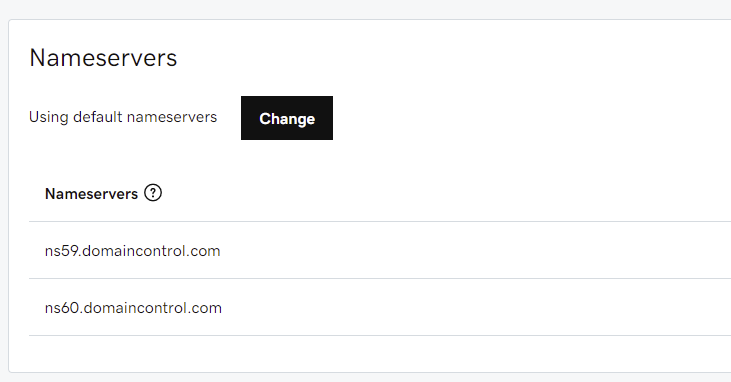
For DNS, make sure you have selected “Standard DNS”
In the DNS records, you need to add a A record with name @ and value 104.236.244.224 and one CNAME, with name www and value heroplusfunnels.com
Note: if you have other A records pointing to any other IP, please remove them first.